Visuality features: 3D viewer, augmented reality and app-free sharing
Visuality turns a 3D file (GLB or USDZ) or a simple photo into a 3D and augmented reality experience, viewable on iPhone and Android without an app. Each product can be shared by link, QR code or iframe, or through Shopify, PrestaShop and the API, at real scale, with variants and animations; in augmented reality, wall placement, variants and animations are available on Android.
Try the augmented reality demo See pricing
Visuality on video (1 minute)
How do you create or import your 3D models?
Visuality accepts the two reference formats for augmented reality. You upload a single file and the platform automatically prepares the versions needed for the web, Android and iPhone.
| Format | What it is for | What Visuality does |
|---|---|---|
| GLB (glTF binaire) | The standard 3D format for the web and Android: geometry, textures, variants and animations in a single file. | Used as is by the 3D viewer and Android augmented reality; serves as the basis for the iPhone USDZ file. |
| USDZ / USD | Apple's format used by AR Quick Look, produced for example by Reality Composer or an iPhone scan. | Converted automatically to GLB on import, then an optimized USDZ is regenerated for iPhone. |
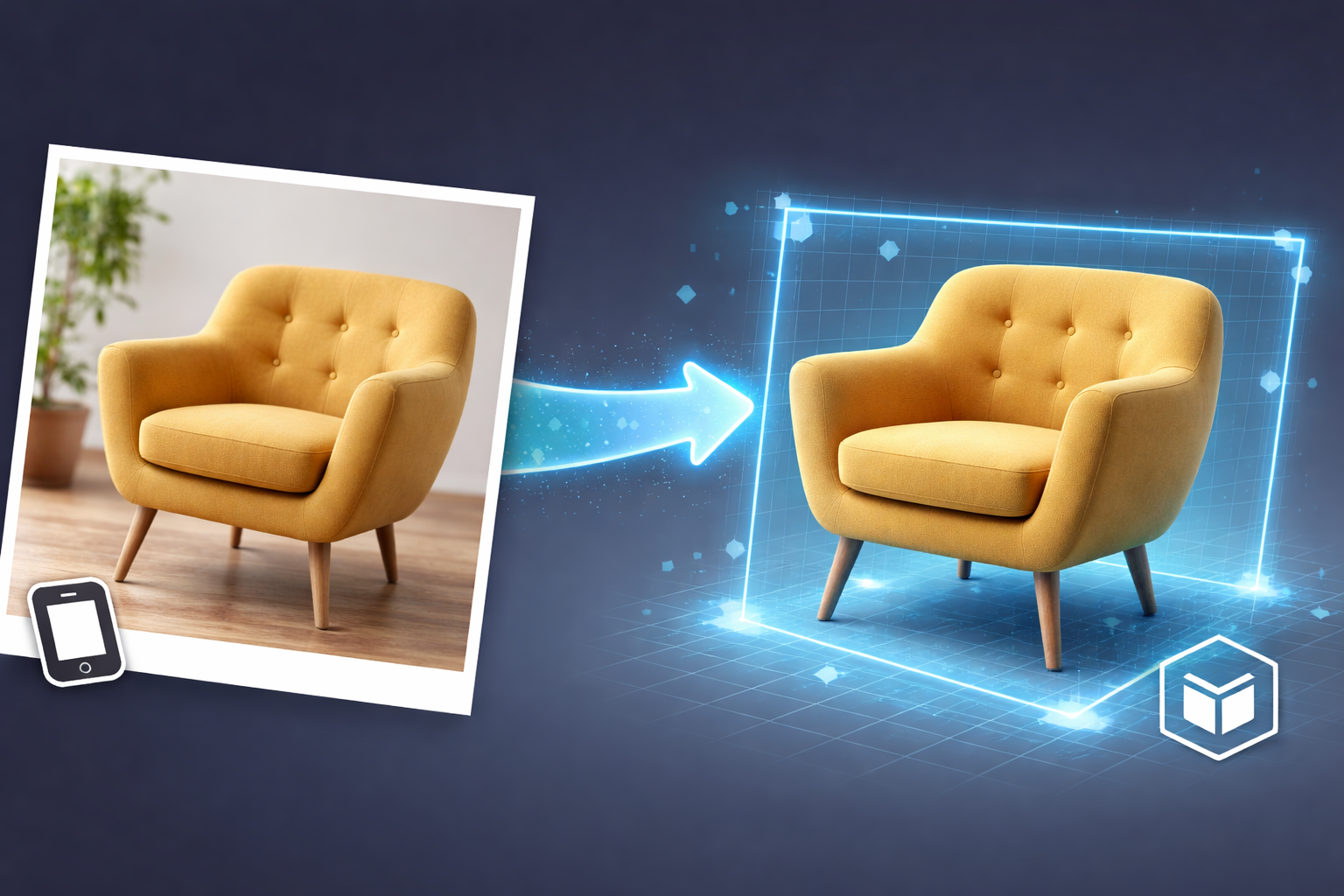
| Product photo | Your starting point when you have no 3D file at all. | Turned into a 3D model by AI, within your plan's conversion quota. |
Are your files in another format, such as OBJ or FBX? Export them to GLB from your 3D software before importing them. For fast loading, we recommend staying under 100,000 polygons per object. Prepare your 3D model · GLB or USDZ: which format should you choose?
No 3D model yet? Three options complement file import:
- AI photo to 3D: upload a front-facing photo of your product on a plain background; the model is generated in a few minutes. Generate a 3D model with AI
- Scanning with RealityScan: photograph the object from every angle with your smartphone to get a 3D model without any modeling. 3D scanning guide with RealityScan
- Custom modeling: our team models your products on a quote basis, for a high-end result. Request a 3D modeling quote
How does augmented reality work on iPhone and Android?
Your customers install nothing: they open the link or scan the QR code, then tap the augmented reality button. The phone then uses the augmented reality engine built into its operating system.
- iPhone and iPad: augmented reality opens in AR Quick Look, Apple's tool, which reads the USDZ format. Visuality generates this file automatically on its servers from your GLB, with the correct size already built in.
- Optimized for iPhone: very heavy models, common with AI generation, are simplified to about 200,000 triangles and their textures capped at 2048 pixels, so that Safari does not run out of memory when opening them.
- Android: augmented reality runs through Google's Scene Viewer or WebXR in Chrome, on ARCore-compatible devices.
- Real-world scale: the object is displayed at its actual size (1:1). You can prevent resizing so that your customers always see the true dimensions. Manage the size of a 3D object
- Floor or wall: each object sits on the floor or hangs on a vertical surface, like a frame, a mirror or a wall light. Wall placement works in augmented reality on Android; on iPhone and iPad, AR Quick Look currently places the object on a horizontal surface. Positioning of a 3D model
To understand the technical choices, read WebAR or mobile app: which approach should you choose? and our guide to floor and wall placement.
How can you customize the way your products are displayed?
Color and material variants
Offer several colors or finishes from a single 3D model. Variants are defined in the GLB file with the standard KHR_materials_variants extension, and your customers can then select them.
Customization of a 3D model · Product customization in augmented realityAnimations
If your model contains animations (a door opening, a moving mechanism), they play in the 3D viewer and in augmented reality on Android. On iPhone and iPad, the object is shown static in augmented reality.
Import animations · 3D animations in augmented realityBackground images and thumbnails
Dress up the 3D view with a 360° (equirectangular) background image and add a thumbnail that identifies the product in object selectors.
Background image customization · Adding a thumbnailObject groups and scenes
Group several products to share them with a single link or QR code. In the web viewer, your customers switch from one object to the next; with the Android app, they can place several of them in the same room.
Group your 3D objects · Multiple objects in augmented realityHow do you share your 3D objects with your customers?
Each object and each group has its own “View/Share” page, with several distribution channels:
- Direct link: send it by email, text message or chat; it opens the 3D viewer, with the augmented reality button on mobile. Using the Visuality web viewer
- QR code: print it on a catalog, packaging, a shop window or a trade show booth. QR code and augmented reality
- Iframe embed: an HTML snippet to copy and paste to display the viewer on any page of your website. Integrate augmented reality on a page
- Photo capture: save an image of your product from the viewer for your social media or your quotes. AR photo capture
Your objects are not published in any public catalog: only the people you give the link, QR code or embed to can see them.
Which e-commerce integrations are available?
| Platform | Solution | Learn more |
|---|---|---|
| Shopify | Visuality app on the Shopify App Store (since May 2026), billed by Shopify in US dollars. | Shopify App |
| PrestaShop | Free module compatible with PrestaShop 1.7 to 8.x: 3D viewer, QR code or both on your product pages. | E-commerce integrations — PrestaShop & Shopify |
| Any other website | Copy-and-paste iframe code (WordPress, WooCommerce, custom website…). | 3D viewer for websites |
| Developers | REST API to create, list, edit and delete your 3D objects and groups, with an API key available in your dashboard. | API and integrations |
Step-by-step guides: integrate a 3D viewer on Shopify · integrate a 3D viewer on PrestaShop · Integration for an E-Commerce website
Does the Android app work offline?
Yes. In addition to the web viewer, Visuality offers an Android app on Google Play, designed for sales teams and trade shows. It opens your objects with a PIN code or a direct link, displays several objects in the same room and keeps working without an Internet connection.
For an object to be available offline, it must have been opened at least once in the app within the last 30 days. Offline mode is not available in the web viewer.
Download the app on Google Play · Use offline mode · Offline augmented reality · Augmented reality at trade shows
Which devices does Visuality work on?
The 3D view works in every recent browser. Augmented reality, however, depends on the phone:
| Device | 3D view | Augmented reality | Technology |
|---|---|---|---|
| iPhone and iPad (Safari, Chrome or Edge) | Yes | Yes | AR Quick Look, USDZ file generated by Visuality |
| ARCore-compatible Android smartphone or tablet | Yes | Yes | Scene Viewer or WebXR (Google Play Services for AR) |
| Android device not compatible with ARCore | Yes | No | — |
| Computer (Windows, macOS, Linux) | Yes | No: a QR code is displayed to open the object on a smartphone | — |
| Visuality Android app | Yes | Yes, including offline | Native app |
According to Apple, AR Quick Look requires iOS or iPadOS 12 or later. According to Google, Scene Viewer requires an ARCore-compatible device running Android 7.0 or later; Google keeps the list of compatible devices up to date. These documents are cited in the sources at the bottom of the page.
What are Visuality's limitations?
To help you make an informed choice, here is what Visuality does not do, or does with constraints:
- No face or body try-on: Visuality places objects in space (on the floor or on a wall). Virtual try-on of glasses, worn jewelry or makeup requires other technologies.
- Simplified models on iPhone: above roughly 200,000 triangles, the USDZ version is lightened and textures are capped at 2048 pixels; the web and Android version keeps the original file.
- Simplified augmented reality on iPhone and iPad: in AR Quick Look, the object is shown static, in its default appearance and placed on a horizontal surface, even if wall placement is enabled. Animations, variants and wall placement work in the 3D viewer and in augmented reality on Android.
- Variable AI quality: the result depends on the photo and on the complexity of the object; highly detailed products often require a scan or traditional 3D modeling.
- No augmented reality on computers: you need a compatible smartphone or tablet; the computer shows the 3D view and a QR code.
- One object at a time in the web viewer: placing several objects at once is done with the Android app, which is also the only one that works offline.
- Import formats: GLB and USD/USDZ only; other formats must first be exported to GLB.
Visuality at a glance
| Publisher | Inside Learning (France) |
|---|---|
| Launched | 2023 |
| Category | SaaS platform for 3D visualization and augmented reality |
| Languages | French and English |
| Accepted formats | GLB, USDZ / USD |
| Augmented reality | iPhone and iPad via AR Quick Look (USDZ file generated automatically), Android smartphones |
| Sharing | Link, QR code, iframe embed |
| Integrations | Shopify app, PrestaShop module, REST API |
| Prices | From $32.99/month |
| Free trial | 7 days · No credit card · applicable plan: Bronze |
| Android app | Android app with offline mode (Google Play) |
| Contact | contact@visuality.fr · +33 5 35 54 20 41 |
Frequently asked questions
Sources
- AR Quick Look (Augmented Reality) — Apple, Verified on October 15, 2026
- Scene Viewer: 3D and AR experiences from a website — Google for Developers, Verified on October 15, 2026
- ARCore supported devices — Google for Developers, Verified on October 15, 2026
- model-viewer: Augmented Reality documentation — Google, Verified on October 15, 2026
- KHR_materials_variants (glTF extension) — Khronos Group, Verified on October 15, 2026
Visuality is a French SaaS platform, published by Inside Learning, that lets businesses display their products in 3D and augmented reality on iPhone and Android, with no app to install, via a link, a QR code, an iframe embed or the Shopify and PrestaShop integrations.